Sitepack covers every safety document your crew needs across the day. A voice memo becomes a SWMS. A tap becomes a Take 5. Six o'clock brings the toolbox talk. A photo becomes an incident report. All on one phone, all attached to the right site.

The gap Sitepack fills
Spent on safety admin every week — time that isn't billable and isn't on the tools.
SWMS, Take 5, toolbox talk, incident report. All in the one app, all on one phone.
Long enough to record a voice memo, snap a photo, or sign on by QR. That's the whole workflow.
The four tools
A working day on site has three phases. Sitepack has a tool for each one, and they all feed each other — what your crew flags today shapes what tomorrow's talk covers.
Before the job · Voice-to-SWMS
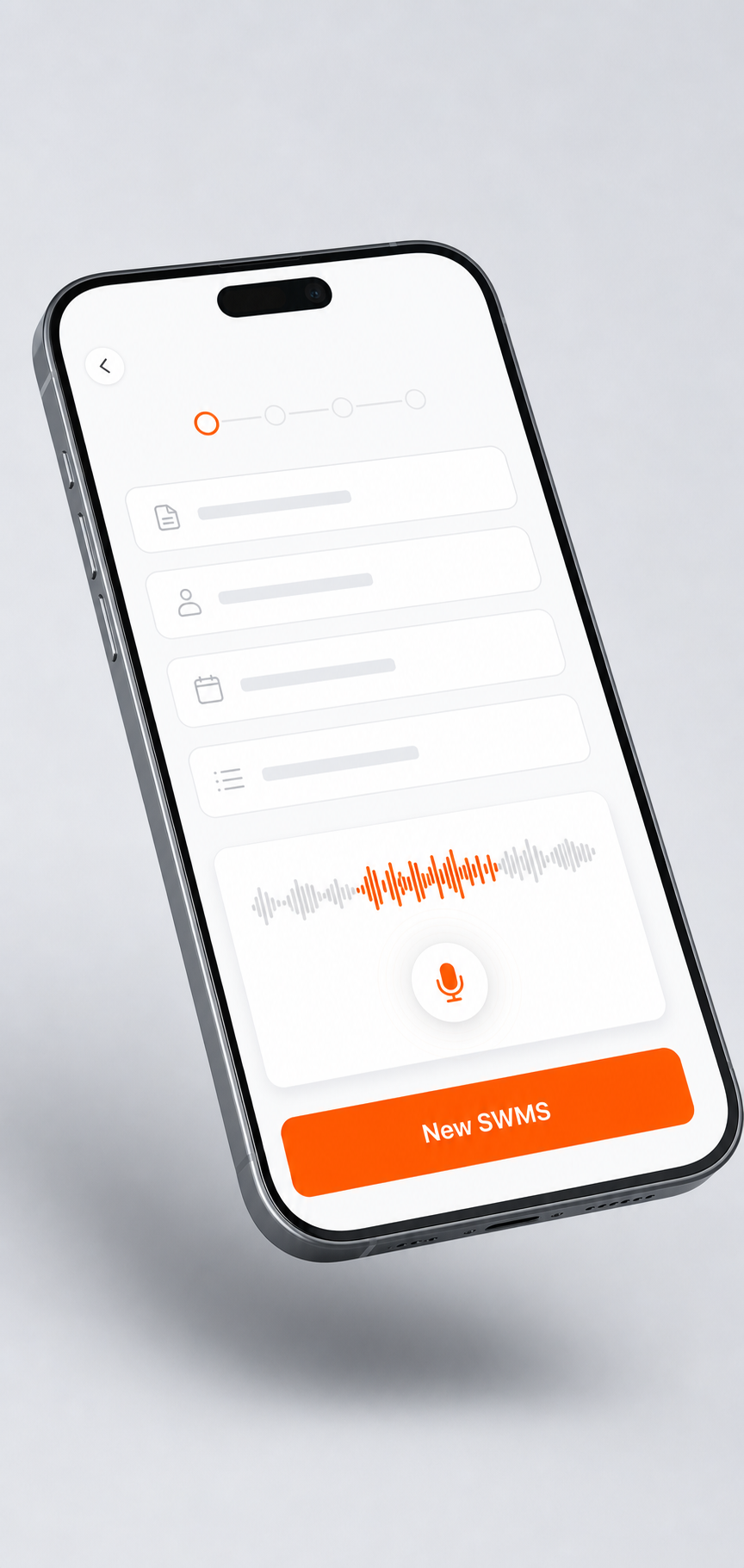
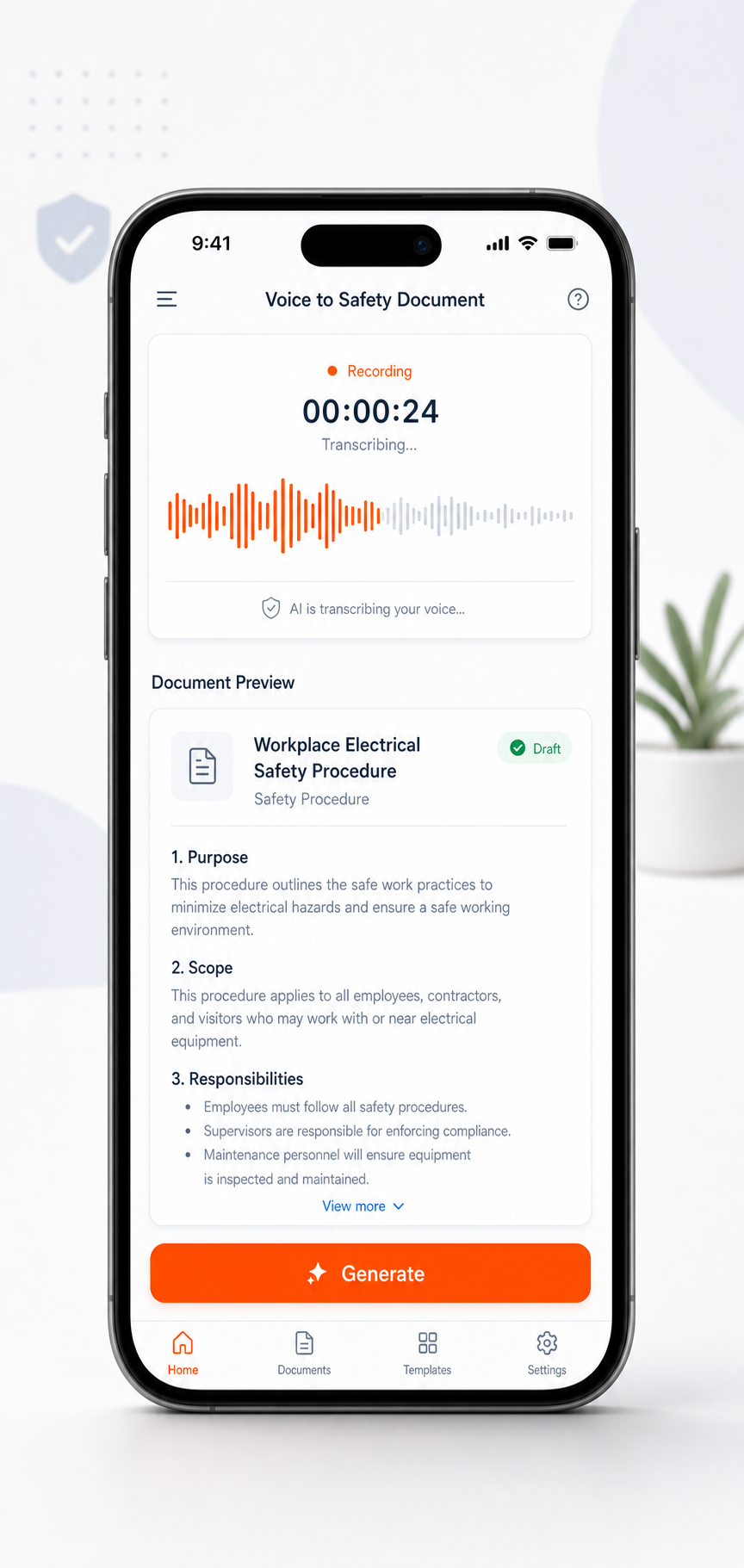
Record a 20–60 second voice memo describing the task and Sitepack drafts a site-specific SWMS, with the right HRCW categories flagged. Ready to sign on before you've finished your coffee.

“Chasing walls for 20 GPOs, second floor, no scaffold” → a site-specific SWMS, 43 seconds later.
During the job · Take 5 by Voice
Before your crew starts a task, they tap once and describe what they're about to do. Sitepack pulls out the hazards, the controls, and files the Take 5 against the right site — automatically, with a timestamp. No forms.

A voice memo about bolt-tightening near a live conductor → a signed-off Take 5 with hazards and controls, ten seconds later.
During the job · Daily Toolbox Talk
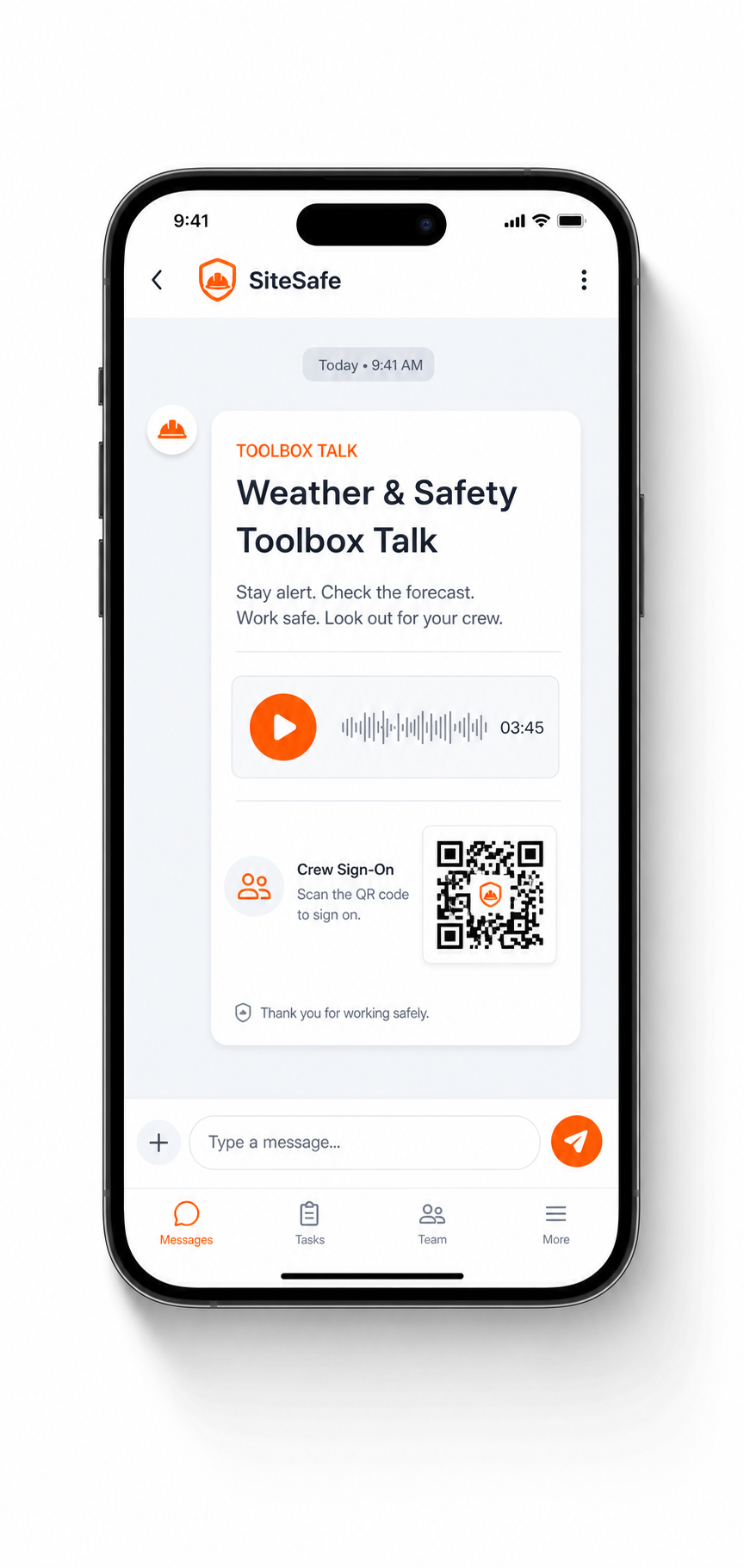
Every morning at 6am, Sitepack builds a 3-minute toolbox talk from today's weather, your active hazards, and what happened yesterday. It lands on the site lead's phone before the crew's parked — audio ready, sign-on QR attached. It arrives by SMS, not another app: every phone on site already has it, so there's no install and no login.

An SMS at 5:58am: “Wet weather + working at heights” — audio ready, sign-on link attached.
After the job · Photo & Voice Reporting
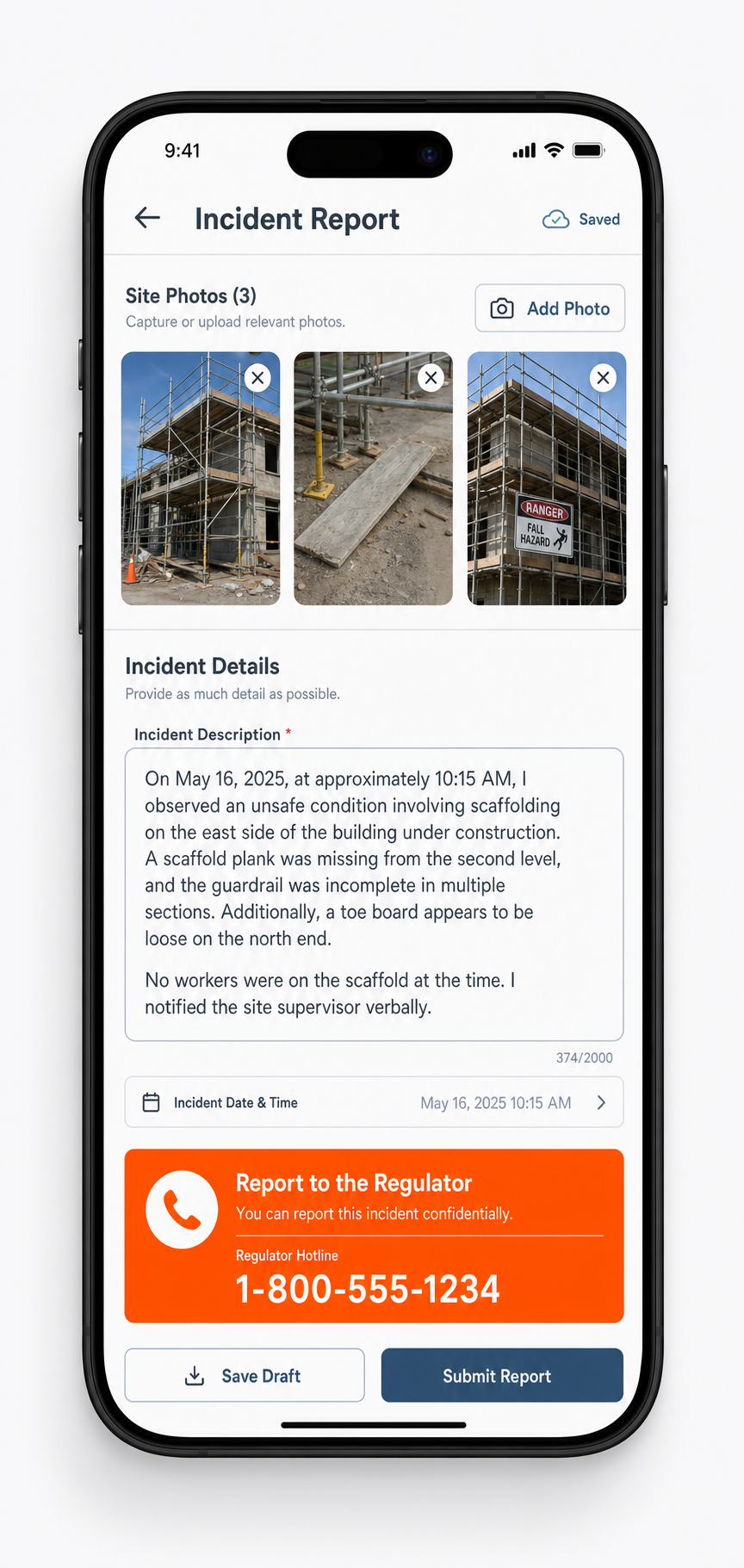
For incidents and near misses. Photograph the scene, talk through what happened, and Sitepack drafts the report — classified by severity, with the right state regulator's hotline front and centre if it's notifiable.

A cracked scaffold plank, a 40-second voice note → a drafted incident report with SafeWork's number on-screen.
How Sitepack works
Enter your business, ABN, and state. No card required for the trial.
Add your workers once. No logins, no app installs for them.
Print the poster or send the link. They sign on from their own phone.
SWMS before, Take 5 and toolbox talks during, reports after. Every record logged automatically.
Who it's for
Energised work, switchboards, no scaffold half the time. Sitepack flags the HRCW categories before the principal contractor asks.
Trenches, confined spaces, gas lines. Get a site-specific SWMS before you're waist-deep, not after.
Tilt-up panels, pours near traffic, plant on the move. Sitepack builds the controls around your actual pour, not a generic template.
Falls over 2 metres are the single biggest HRCW category on your job. Sign-on and SWMS, sorted before the ladder goes up.
Temporary structural support, working at height, other trades underfoot. One voice memo covers it.
Asbestos risk, confined spaces, refrigerant lines. The high-risk categories are the ones Sitepack checks first.
Pricing
For the one-person show.
For the crew that's outgrown spreadsheets.
For running more than one site.
For running the whole job, not just your patch.
Pay annually and get 2 months free. No card required to start your trial. See full pricing →
Built around the regulation
FAQ
Sitepack generates documents structured against the WHS Regulations, including all 18 HRCW categories under cl.291. The final SWMS, talk, or report is still yours to review and sign off — Sitepack drafts it, you own it.
You review every document on-screen before it's generated as a final PDF, and you can revise it any time — site conditions change, and your SWMS should too. Nothing goes out without your say-so.
No. Workers sign on through a browser link or QR code — no login, no app, no account. Subbies change crews too often for an app install to make sense.
All states and territories. State regulator hotlines are pre-loaded for NSW, VIC, QLD, WA, SA, TAS, ACT and NT.
Record your voice memo or photos offline — Sitepack queues them and generates your document the moment you're back in range.
Yes. Every SWMS, talk, and report is fully editable, and every edit is saved as a new version — your history is never overwritten.
You do. Every SWMS, toolbox talk, incident report, and sign-on record belongs to your business. Export it any time.
Cancel any time from your account settings — no lock-in contracts. You keep access to your documents for the retention period, and you can export everything before you go.
14 days free, no card required. Cancel in two clicks if it's not for you.